
This setting would be the same if we wanted to add a SAFIRE camera to a Hikvision NVR.
CAMERA
Change the authentication method as follows:
Disable the illegal login block:
Activate ONVIF, change the authentication protocol and add an onvif user with its own password:
NVR
We select the channel to which the camera will be added and we modify it establishing that the aggregation will be by ONVIF. In addition, we inserted the credentials:

Annual Digital Signage License - Compatible with Safire Monitors (DS60 Series) - One license per Safire Monitor (DS60 Series) -
101.45
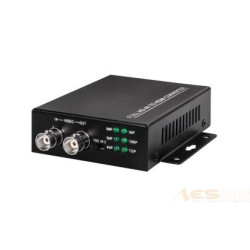
BNC converter to HDMI - 1 input BNC - 1 HDMI output 1080p - 1 BNC output (loop with BNC input) - output resolution 1080p
89.20
New
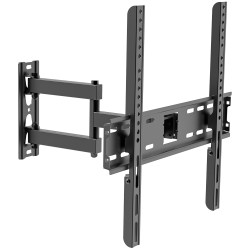
Bracket with arm - Supported weight 30Kg - VESA 400x400mm - Distance to wall from 77-412mm - Tilt +8° / -8° - Rotation +9
29.85
New
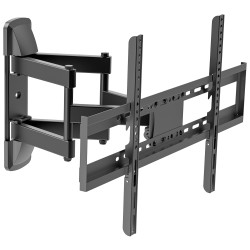
Bracket with arm - Supported weight 45Kg - VESA 600x400mm - Distance to wall from 75-445mm - Tilt +10º / -10º - Rotation
73.45